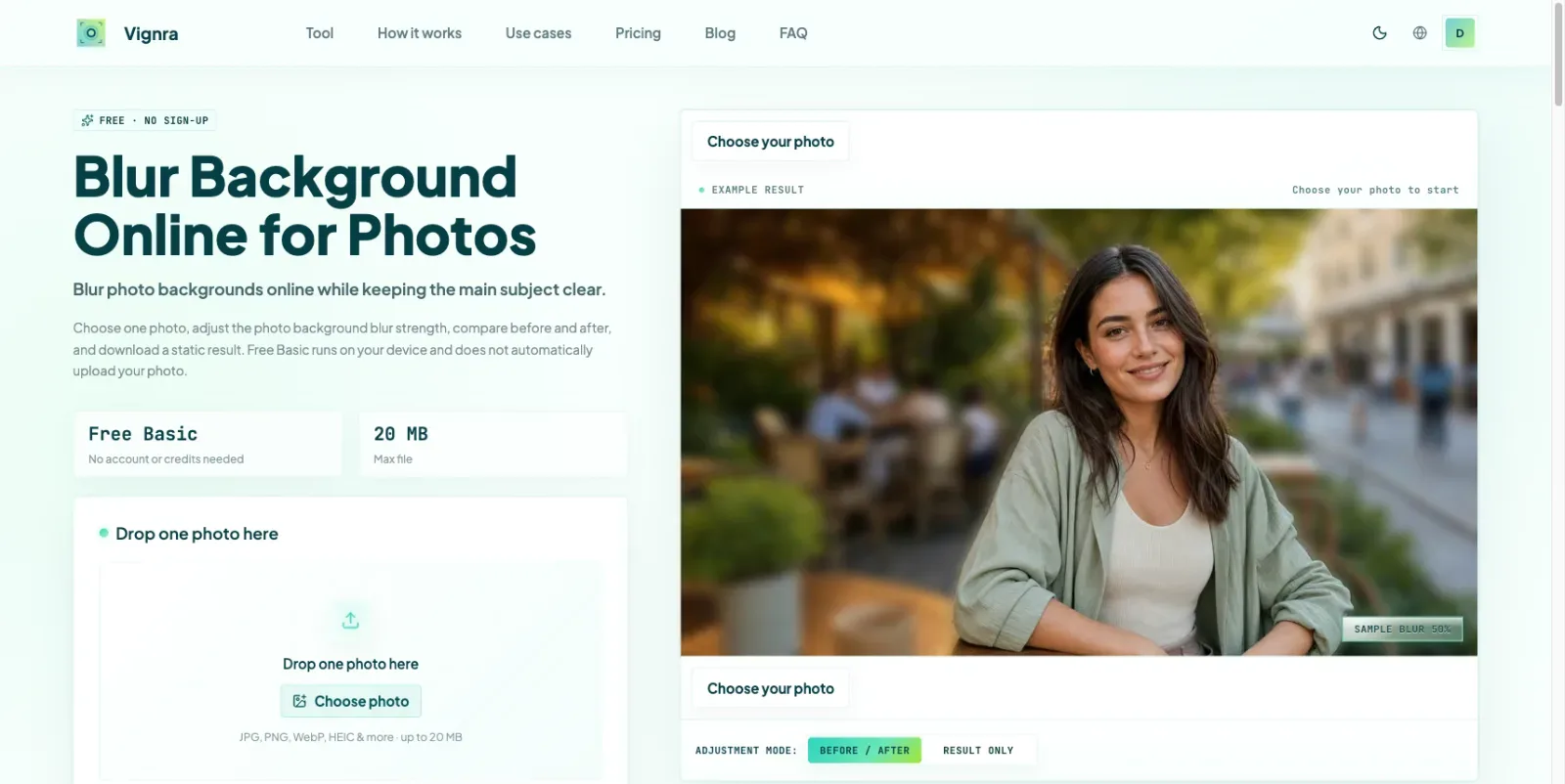
Blur Background
Blur Background helps people reduce distracting backgrounds in photos. Choose one photo, adjust the blur strength, compare before and after, and download a static result. Free Basic runs locally on your device without sign-in and does not automatically upload the photo. Optional paid credit packs unlock AI Refined processing.
Alternatives to Blur Background
All Photo Editing tools
Bad Quality Image Maker
A free browser tool that makes images look deliberately worse. Upload a photo, choose Lower quality, Blurry, Pixelated, or Deep fried, adjust the strength, and download the JPG. No signup, no watermark, nothing uploaded to a server.

Photo Animate
Animate still photos with AI — short clips ready to share.
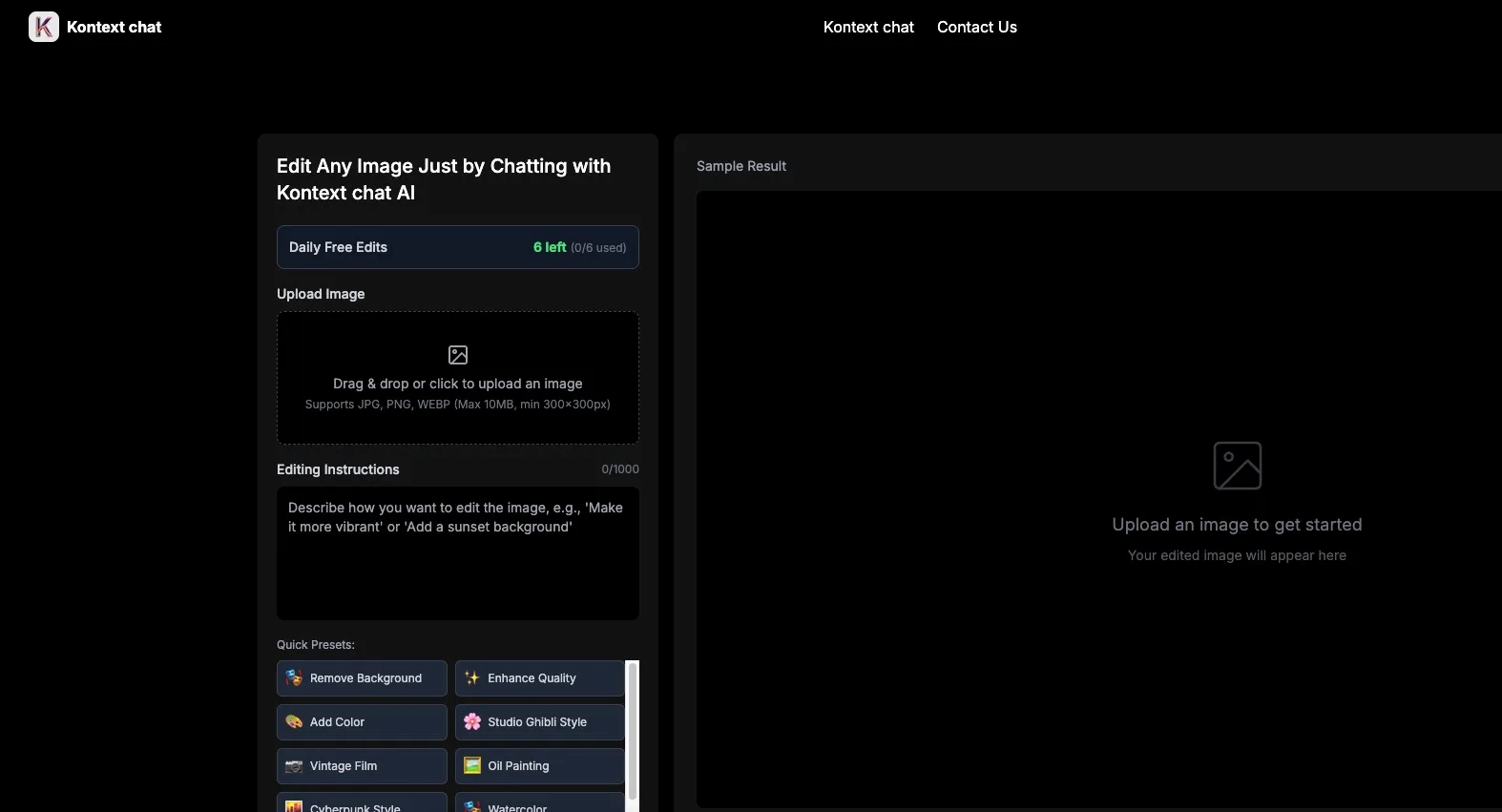
Image to Image AI
Turn any photo into new AI art while keeping structure — prompt-guided img2img for portraits, products, and social creatives.
NanoPic
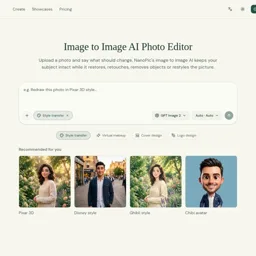
NanoPic edits existing photos from a plain-language instruction instead of layers, masks or brushes. It can restore and colorize old prints, remove tourists and objects, swap product-photo backgrounds, change season or weather, restyle portraits as Ghibli, Pixar or anime art, and preview new hair colors or outfits while keeping the subject intact. New accounts get 10 free credits with no card required.

Image2.5
Image2.5 is a free AI image generator and photo editor powered by GPT Image 2.5. Create images from a prompt or edit a photo in one sentence.

StyleGen.ai
StyleGen.ai is a web-based AI hairstyle simulator that generates realistic hairstyle and hair color previews from a single photo. Users can try 130+ cuts and 30 colors; the first preview requires no account and registered users receive five free credits per day. Guest photos are deleted after seven days.