
ig.tools
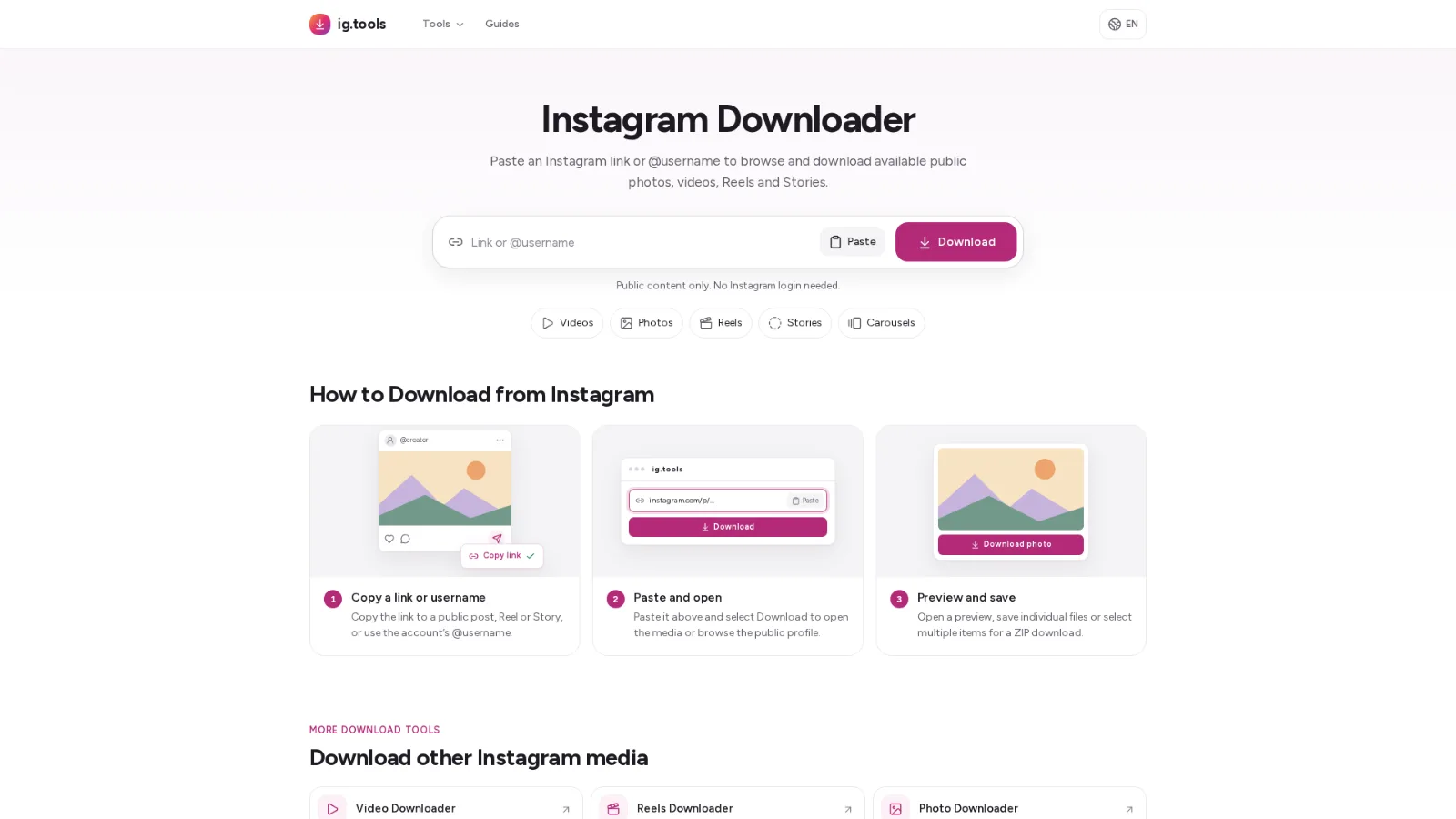
ig.tools is a free web tool for downloading and viewing public Instagram content. There is nothing to install and no account to create: you paste an Instagram link or type an @username, and ig.tools fetches the media so you can save it in its original quality. What you can do with ig.tools: - Download Instagram Reels and videos as MP4 files at their original resolution. - Save single photos and every image or clip from a multi-image carousel post. - Download Instagram Stories and Highlights from public accounts. - Watch Stories anonymously, so the account owner does not see you in their viewer list. - View and download profile pictures in full HD instead of the small cropped thumbnail. - Read the comments on a public post without opening the Instagram app. - Generate stylish fonts for your Instagram bio, captions and comments, then copy and paste them. ig.tools runs in any modern browser on desktop, Android or iPhone, so it works the same way on every device. There is also a free Chrome extension that adds the anonymous story viewer and download buttons directly while you browse Instagram. Who uses it: content creators who want to back up their own Reels and posts, social media managers who collect references and examples for clients, marketers who study competitor content, and everyday users who want to keep a video or photo they like for offline viewing. ig.tools only works with publicly available content. It never asks for your Instagram password and does not post or interact with any account. All core features are free to use with no sign-up. Please respect the copyright of creators and only download content you have the right to use.
Alternatives to ig.tools
All Social media management tools tools
betterimage.io
Nobody clicks a naked link. betterimage.io turns a post into a social card in under a minute: paste the URL and the editor fills in the title, description, author and images, on a design picked to fit the page. Or start from one of 100+ designs. One card exports at every size you post: 1200x630 link preview, YouTube thumbnail, Instagram square and portrait, story and Pinterest pin. Free with a small watermark and no signup; $4.99 once for clean files.

Linkwiz
Linkwiz provides LinkedIn profile optimization and post tracking for B2B teams. Analyze employee profiles, find recurring gaps, and review evidence and recommendations. Track public LinkedIn posts, reactions, comments and reposts, compare post performance, and use team activity insights to support employee advocacy and social selling.

Riff
Riff is a free Chrome extension that helps you reply on X, LinkedIn, Facebook and Instagram. You paste your rough point. Gemini Nano, the AI built into Chrome, writes a fresh reply for that exact post. You read it, edit it if you want, and press send yourself. It also answers DMs in LinkedIn Messaging, Messenger on facebook.com and Instagram Direct, and can draft your own posts. Everything runs on your computer with no account, no API key, no server and no monthly bill. Riff never posts or sends anything for you.

Fireply AI
Fireply is an AI reply agent for X (Twitter). It learns your voice from your posts, watches the accounts and lists you choose, and posts timely, context-aware replies for you. It works through X's official Contributor access, so your password is never shared. Start with 40 free replies, no card.
SocialContests.com
Free tools for giveaways, raffles, Secret Santa, bingo, brackets, team picks and judged contests. Pick winners from Instagram, TikTok, YouTube, Facebook and Bluesky comments, spin a prize wheel, and share a draw link so anyone can verify the winner. No signup.
PostingCat
PostingCat is a social media scheduler for businesses, agencies and community managers. Use a calendar to plan upcoming posts and a dedicated workspace to organize each brand's channels, drafts, media and publishing schedule. Workspace roles help teams control access by client. For client sign-off, the Agency plan includes shareable review links. Clients can comment on and approve proposed posts without opening an account. A permanent Free plan covers two channels and one workspace, with up to 10 scheduled posts at once per channel. Refill the queue as posts go live. Paid plans provide more channels and workspaces; X publishing requires a paid plan and has monthly limits. Current plan details: https://postingcat.com/pricing.